Construction Workflow Automation: How Contractors and Trade Businesses Are Saving 10+ Hours Every Week

Discover how construction workflow automation saves contractors 10+ hours weekly. Learn real use cases for scheduling, invoicing, permits, and more with n8n.
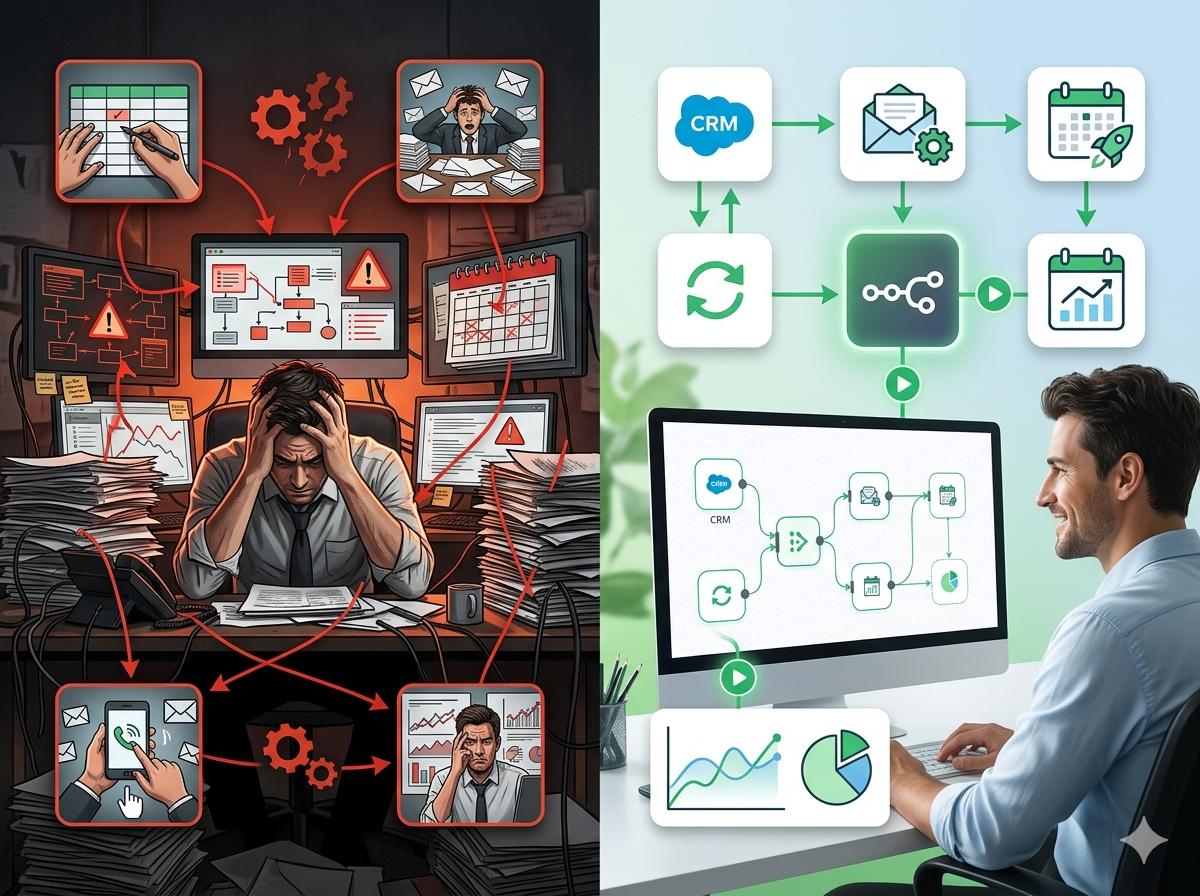
If you run a construction company, roofing crew, plumbing business, or any trade operation, you already know the feeling: it's 6:47 AM, your phone is buzzing with texts from three different subcontractors, you have an invoice from last week that still hasn't gone out, and you're pretty sure someone forgot to pull a permit for the job starting Thursday. By 9 AM, you haven't touched a single revenue-generating task.
This is the invisible weight that bogs down most trade businesses. It's not laziness. It's not poor planning. It's the sheer volume of coordination, communication, and administrative work that piles up when you're managing jobs, people, clients, and materials simultaneously, usually without enough back-office support.
The good news? A large portion of this chaos is automatable. Construction workflow automation is no longer something reserved for enterprise general contractors with dedicated IT teams. Thanks to modern automation tools, even a 5-person plumbing crew or a regional roofing company can build systems that handle scheduling reminders, invoice follow-ups, subcontractor updates, and more, without hiring another admin.
In this post, we'll walk through the biggest operational pain points hitting construction and trades businesses today, explain exactly how automation addresses each one, and introduce you to the tool that makes it all possible without requiring a software engineering degree.
Why Construction and Trades Businesses Are Drowning in Administrative Work
Before we talk about solutions, it's worth understanding why the administrative burden is so uniquely brutal in the construction and trades world.
First, the work is highly variable. No two jobs are exactly alike. A kitchen remodel runs differently than a commercial build-out. A routine HVAC service call has a completely different workflow than a full system replacement. That variability makes it hard to create repeatable processes, and hard processes get skipped or forgotten under pressure.
Second, the workforce is distributed. Your team isn't sitting in one office. They're spread across job sites, in vans, on rooftops, and in crawl spaces. Information doesn't flow naturally in this environment. Text messages get buried. Phone calls go unanswered. Important updates fall through the cracks.
Third, the paper-to-digital gap is real. Many contractors are still running on a combination of handwritten notes, spreadsheets, text threads, and maybe one piece of software that doesn't talk to anything else. Every time information has to move from one system to another, or from paper to screen, there's an opportunity for error and delay.
The result is that business owners and office managers spend enormous amounts of time on tasks that don't directly make money: chasing down signatures, manually sending reminders, copying data from one place to another, following up on overdue invoices, and keeping subcontractors informed.
Construction workflow automation attacks these time drains directly. It doesn't replace your judgment or your skilled labor, it handles the repetitive, rules-based tasks so you can focus on the work that actually requires a human.
The 5 Biggest Automation Opportunities in Construction and Trades
1. Job Scheduling and Field Communication
Scheduling in the trades is a daily puzzle. You're juggling crew availability, subcontractor schedules, equipment access, material delivery windows, and client preferences, all of which can shift without warning.
When a job gets rescheduled, the ripple effects are enormous. You need to notify your crew, alert the subcontractors, update the client, adjust your material orders, and potentially shift three other jobs on the calendar. If any of those notifications are missed or delayed, you end up with crews showing up to empty job sites, clients who weren't informed of changes, and subcontractors who show up a day late.
What automation can do: When a job is updated in your project management software, an automated workflow can instantly trigger notifications to all relevant parties, via text, email, or even Slack. You can set up automated morning briefings that send each crew member their schedule for the day at 6 AM. If a job gets flagged as delayed, the system can automatically send a pre-written update to the client and reassign the crew to a standby task.
The key insight here is that the information already exists in your system, it just isn't flowing where it needs to go. Automation builds the pipes.
2. Subcontractor Coordination and Status Tracking
Managing subcontractors is one of the most time-consuming parts of running a general contracting or specialty trade business. You need to know who is confirmed for which job, whether they've received the right documents, whether they've completed their scope, and whether their insurance certificates are current.
Most contractors handle this through a mix of phone calls and text messages, which means the information lives in someone's phone, not in a system where it can be tracked and acted on.
What automation can do: Automate subcontractor onboarding with a workflow that sends new subs a link to submit their insurance certificates, W-9, and license information. Build a system that automatically checks insurance expiration dates and sends renewal reminders 30 days before expiration, and flags any sub whose paperwork is out of date before they're assigned to a new job.
For active projects, you can automate daily or weekly check-in messages to subcontractors asking for a status update. Their response can automatically update a shared project dashboard, so you have real-time visibility without making a single phone call.
This kind of trades business automation doesn't just save time, it reduces the risk of compliance issues and insurance gaps that could cost you far more than an admin's salary.
3. Invoicing, Payments, and Cash Flow Management
Cash flow is the lifeblood of any contracting business, and nothing kills cash flow faster than slow invoicing. Studies consistently show that the longer you wait to send an invoice after completing a job, the less likely you are to get paid quickly, and the more likely the client is to raise disputes.
Yet in most trade businesses, invoicing is a manual, after-the-fact process. The job gets done, the paperwork gets handed off, and somewhere between the job site and the accounting software, days, sometimes weeks, pass before an invoice goes out.
What automation can do: Set up a workflow that automatically generates and sends an invoice when a job is marked as complete in your project management system. If payment isn't received within 7 days, the system sends a polite follow-up automatically. At 14 days, it sends a firmer reminder. At 30 days, it creates a task for someone to make a personal call, and can even integrate with QuickBooks or your accounting software to flag the overdue account.
You can also automate progress billing for larger projects. When a project milestone is marked complete, the system generates a progress invoice for that phase automatically, no manual entry required.
For contractors dealing with change orders (and who isn't?), automation can create a structured change order approval workflow: the field team submits the change, the client receives an approval request via email or text, and once approved, the change order is automatically added to the project scope and invoice total. No more "he said, she said" disputes about what was approved.
4. Permit Tracking and Compliance Management
Permit management is an area where small mistakes have large consequences. A job that starts without the right permits can result in stop-work orders, fines, forced demolition, and massive liability exposure. Yet tracking permits across multiple active jobs, each at different stages of application, review, approval, and inspection, is genuinely complex.
Most contractors track permits in a spreadsheet, a whiteboard, or not at all, relying instead on whoever manages that relationship to keep things in their head. That's a brittle system.
What automation can do: Build a permit tracking workflow that logs every permit application with its expected review timeline, automatically sends reminders when an inspection needs to be scheduled, and flags permits that are approaching expiration or haven't received a response within the expected window.
When a permit is approved, an automated notification can go to the project manager and the field supervisor so work can begin immediately, no delays because someone didn't check their email. When an inspection is passed, the system can automatically update the project status and trigger the next phase of work.
This kind of construction project management automation doesn't require any special software integration with government systems. It works with whatever tracking method you already use, adding automated reminders and notifications on top.
5. Material Ordering and Vendor Management
Running out of materials on a job site is one of the most frustrating and expensive things that can happen in construction. It costs labor hours, delays the project, and often results in expensive last-minute orders or rush delivery fees.
On the flip side, over-ordering ties up cash and creates storage problems. Getting the balance right requires good communication between the field team, the estimator, the project manager, and the supplier, and that communication breaks down constantly.
What automation can do: When a project reaches a certain phase, an automated workflow can send a material checklist to the project manager for review and approval, then submit the approved order directly to your preferred vendor via email or an online ordering system. You can set up low-inventory alerts that trigger a reorder request when quantities fall below a defined threshold.
For businesses using estimating software, automation can connect the approved estimate directly to a purchase order, eliminating the manual re-entry of materials that causes so many ordering errors.
Vendor communication can also be automated, sending delivery confirmation requests, following up on orders that haven't shipped, and logging delivery confirmations back into the project record.
The Tool That Makes All of This Possible: n8n
At this point, you might be thinking: "This all sounds great, but I'm not a software developer. How do I actually build any of this?"
That's where n8n comes in.
n8n (pronounced "n-eight-n") is an open-source workflow automation platform that lets you connect your business tools and build automated workflows, without writing code. It uses a visual, drag-and-drop interface where you connect "nodes" that represent different actions: send an email, update a spreadsheet, create an invoice, send a text message, post a Slack message, and hundreds more.
What makes n8n particularly well-suited for construction and trades businesses is its flexibility. Unlike rigid, pre-packaged automation tools that only work in specific ways, n8n lets you build workflows that match *your* actual business processes. You're not forced to change how you work to fit the software, the software bends to fit how you work.
Here's what that looks like in practice for a contractor:
- Connect your CRM (like HubSpot or Jobber) to your accounting software (like QuickBooks) so that when a job is won, the client and project details automatically populate in both systems
- Connect your project management tool to Twilio or WhatsApp so that job updates automatically trigger SMS notifications to field crews and subcontractors
- Connect Google Forms or a custom intake form to your scheduling system so that when a client submits a service request, it automatically creates a job record, assigns it to a crew, and sends the client a confirmation
- Connect your email inbox to a task management tool so that emails from specific vendors or clients automatically create follow-up tasks with due dates
n8n integrates with over 400 apps and services, which means it can almost certainly connect the tools you're already using. And because it's open-source, there's no per-workflow pricing that punishes you for automating more, you can scale your automation as aggressively as you want.
For businesses that want to run n8n without managing their own server, hosted versions are available that require zero technical setup. You log in, start building, and your workflows run 24/7 in the background.
Getting started doesn't require automating everything at once. Most contractors who adopt n8n start with one high-pain-point workflow, usually invoicing follow-ups or scheduling notifications, see the results, and then gradually build out more. Within a few months, they've reclaimed hours every week that they used to spend on manual coordination.
What the ROI Actually Looks Like
Let's put some numbers on this. If you're a contractor or trade business owner, consider how much time you or your team spends on the following tasks each week:
- Manually sending invoice follow-ups: 2-3 hours
- Coordinating subcontractor schedules and confirmations: 3-5 hours
- Updating clients on job status: 1-2 hours
- Chasing material orders and vendor confirmations: 1-2 hours
- Manually entering data from one system to another: 2-4 hours
That's a conservative estimate of 9-16 hours per week on tasks that automation can handle. At even $30/hour in labor cost, that's $270-$480 per week, or $14,000-$25,000 per year, and that's before accounting for the revenue impact of faster invoicing, fewer scheduling errors, and better client communication.
Workflow automation doesn't just save time. It reduces errors that cost money. It speeds up cash collection. It improves client experience in ways that generate referrals. The compounding effect is significant.
Ready to Automate Your Contractor Business? Here's Your Next Step
If you've read this far, you're already ahead of 90% of your competitors who are still running their businesses on text threads and spreadsheets. The question isn't whether construction workflow automation makes sense for your business, it clearly does. The question is where to start.
Here's a simple approach:
- Identify your single biggest time drain, the task you dread most, that takes the most manual effort, or that causes the most mistakes when it's missed
- Map out what that task looks like, what triggers it, what needs to happen, and what the outcome should be
- Build your first automation in n8n, using the drag-and-drop workflow builder, connect the tools involved and automate the steps
You don't need a developer. You don't need to overhaul your business. You just need to start with one workflow and build from there.
Register for free to learn more about getting started with n8n for your construction or trades business. Whether you want a guided setup, pre-built workflow templates for contractors, or just more information about what's possible, it's the best place to begin your automation journey.
The contractors and trade business owners who build efficient, automated back-offices will have a massive competitive advantage in the years ahead, lower overhead, faster response times, fewer errors, and more time to focus on growth. The tools to get there are available right now, and they're more accessible than you think.
Stop letting administrative chaos run your business. Automate the repetitive stuff, and get back to building.