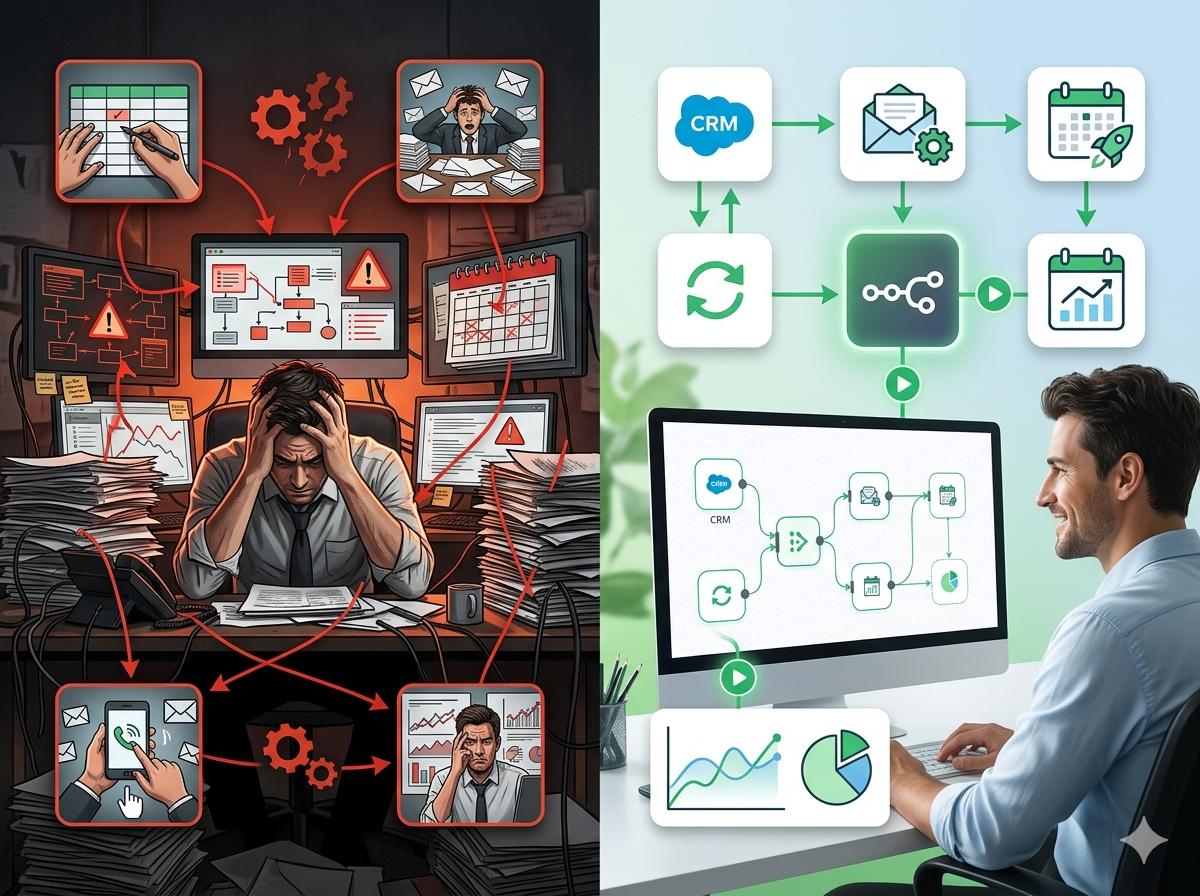
Finance Workflow Automation: How Accounting Teams Are Eliminating Manual Work and Closing Faster
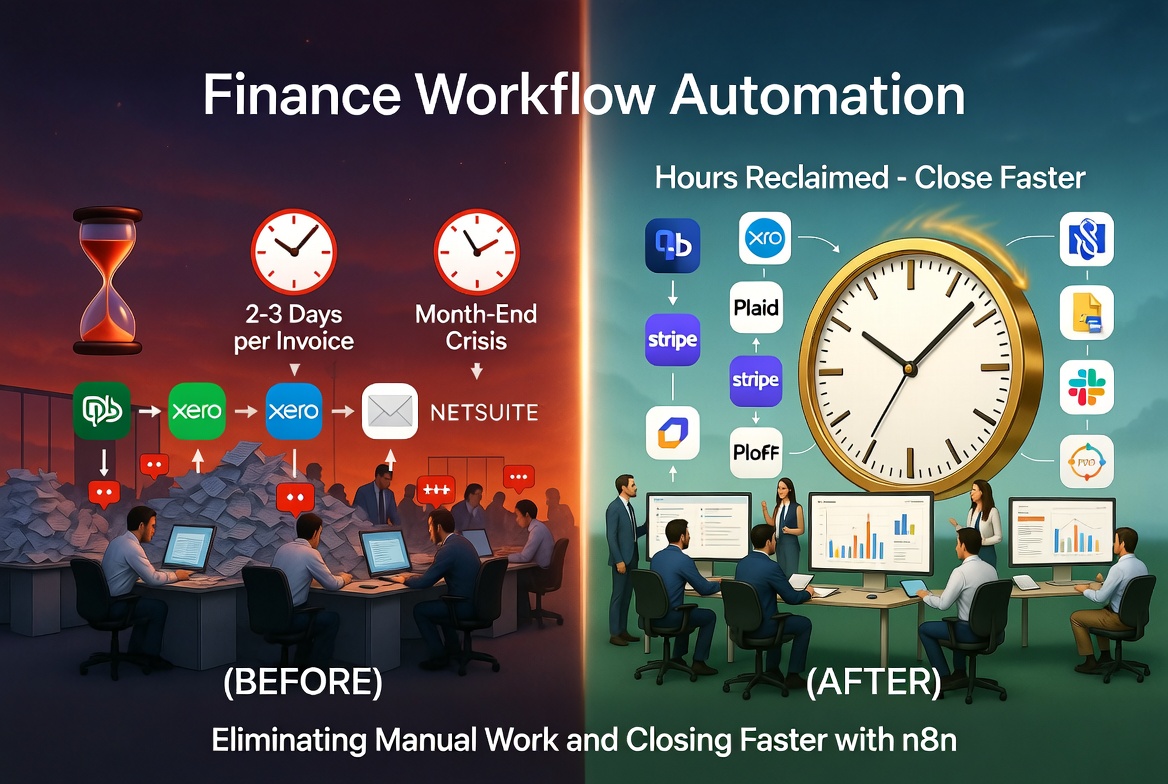
Discover how finance workflow automation can eliminate manual data entry, speed up reconciliation, and transform financial reporting for accounting teams.
If you work in finance or accounting, your days are likely shaped by a relentless cycle of data entry, approval chasing, reconciliation checks, and report generation. The irony is that while your team is responsible for the financial health of an entire organization, you're often running on the least automated processes in the building. Spreadsheets, email threads, and manual copy-paste workflows are still the backbone of many accounting departments, and that's a problem that compounds every single month.
Finance workflow automation isn't a luxury reserved for enterprise companies with seven-figure tech budgets. It's a practical, achievable shift that teams of every size are making right now, and those who make the move are closing their books faster, reducing errors, and freeing up their most experienced people to do actual strategic work instead of data wrangling.
This post breaks down the most impactful areas where automation can transform accounting operations, the real pain points driving demand for change, and how tools like n8n are making it possible without requiring a full IT team to maintain.
1. Invoice Processing Automation: Ending the Paper Chase
Invoice processing is one of the most universally painful workflows in any accounting department. A typical invoice might arrive via email, an online portal, a vendor's proprietary system, or even a physical document that gets scanned and emailed. From there, it needs to be reviewed, matched against a purchase order, routed for approval, entered into your accounting system, and filed for compliance. Multiply that by hundreds of invoices per month and you have a process that consumes enormous amounts of human time, and introduces just as many opportunities for error.
The real pain points here include:
- Manually keying invoice data into your ERP or accounting software (QuickBooks, Xero, NetSuite, SAP)
- Tracking down approvers who haven't responded to email requests
- Duplicate invoice entry and payment errors that only surface during reconciliation
- Delays in processing that trigger late payment penalties or damage vendor relationships
- No real-time visibility into where an invoice is in the approval chain
Automating invoice processing typically means building a workflow that captures incoming invoices (from email, an inbox parser, or an OCR tool), extracts the relevant data, validates it against purchase orders, routes it to the appropriate approver via Slack or email, and then posts the approved invoice directly to your accounting system, all without anyone manually touching a keyboard.
With the right automation setup, an invoice that used to take two to three days to fully process can be handled in hours. Approval reminders fire automatically. Exceptions are flagged and escalated without anyone babysitting the queue. And your finance team gets to stop being a bottleneck.
2. Bank Reconciliation and Transaction Matching: Killing the Month-End Scramble
Ask any accountant what month-end close looks like and you'll hear some version of the same story: long nights, stressed team members, and a frantic scramble to reconcile every transaction before the deadline. Bank reconciliation, the process of matching your internal records against bank statements, is fundamentally a data comparison task. It should, in theory, be straightforward. In practice, it's one of the most time-consuming and error-prone processes in accounting.
Why? Because the data lives in multiple places. Your bank feeds, your general ledger, your accounts payable records, your expense management tool, they all need to agree. When they don't, someone has to manually investigate discrepancies. And when you're doing this for multiple accounts, multiple entities, or multiple currencies, the complexity multiplies fast.
Common reconciliation pain points include:
- Manually downloading bank statements and importing them into accounting software
- Spending hours identifying and researching transaction discrepancies
- No automated alerts when transactions don't match expected patterns
- Reconciliation happening only at month-end instead of on a rolling basis
- Audit trails that exist only in someone's memory or a shared spreadsheet
Financial workflow automation can dramatically reduce this burden. Automated workflows can pull bank transaction data daily via API, match it against your accounting records, flag unmatched transactions for review, and generate a reconciliation status report that gives your team a real-time view of where things stand, every single day, not just once a month.
When you stop treating reconciliation as a monthly event and start treating it as a continuous process, your month-end close stops being a crisis and becomes a formality.
3. Financial Reporting Automation: From Manual Compilation to Real-Time Insights
Financial reporting is where the stakes are highest and the processes are often the most manual. Whether you're producing weekly cash flow summaries, monthly P&L statements, quarterly board reports, or annual compliance filings, the process usually looks the same: someone exports data from multiple sources, pastes it into a spreadsheet or report template, applies formatting, checks it, double-checks it, and sends it out, often while also fielding questions from stakeholders who want the numbers *right now*.
This is a workflow problem masquerading as a reporting problem. The underlying data exists. The insights are there. The delay comes from the manual assembly process that happens between the data and the decision-maker.
Financial reporting automation pain points:
- Pulling data from multiple systems (ERP, CRM, payroll, expense tools) and reconciling it manually
- Reports being out of date by the time they're distributed
- Version control nightmares when multiple people are editing the same spreadsheet
- Time spent on formatting and distribution rather than analysis
- Compliance reporting requiring cross-referencing multiple data sources on tight deadlines
Automated reporting workflows can be scheduled to run at whatever cadence your business needs, daily, weekly, monthly. They pull data from all relevant systems, apply your reporting logic, generate formatted outputs (PDFs, Excel files, Google Sheets dashboards), and distribute them to the right stakeholders automatically. When a new report is ready, it lands in the right inbox or Slack channel without anyone having to compile or send it.
Beyond scheduled reports, automation also enables real-time alerting, so if cash reserves drop below a threshold, if a budget line is being overrun, or if a compliance deadline is approaching, the right person gets notified immediately rather than at the next scheduled report review.
For finance teams supporting executive decision-making, this shift from reactive to proactive reporting is genuinely transformative.
4. Client Onboarding and Compliance Tracking for Accounting Firms
For accounting firms and financial services providers, client-facing workflows present their own set of automation opportunities. Client onboarding, in particular, tends to be a slow, document-heavy process that frustrates both the client and the team handling it. KYC (Know Your Customer) checks, document collection, engagement letter signing, system setup, and initial data gathering can take days or weeks when managed manually, creating a poor first impression and delaying the delivery of actual services.
Similarly, ongoing compliance tracking, making sure every client's filings, deadlines, and regulatory requirements are being met, is often managed through a combination of spreadsheets, calendar reminders, and institutional knowledge. That's a fragile system, and when something slips through the cracks, the consequences can be severe.
Client onboarding and compliance pain points:
- Chasing clients for documents via email with no systematic follow-up
- Manual data entry duplicated across multiple systems (CRM, practice management software, accounting platforms)
- No visibility into where each client is in the onboarding process
- Compliance deadlines missed because they live in someone's spreadsheet that isn't being actively monitored
- Inconsistent onboarding experiences that reflect poorly on the firm
Automation transforms onboarding into a consistent, trackable process. When a new client engagement is confirmed, an automated workflow can trigger a document request sequence, create accounts in the necessary systems, assign tasks to team members, send engagement letters for e-signature, and move the client to the next stage as each step is completed, all without a project manager manually orchestrating each step.
For compliance tracking, automated workflows can monitor filing deadlines, send proactive reminders to clients and internal team members, escalate overdue items, and generate compliance status dashboards that give firm leadership a real-time view of their entire client portfolio.
5. How n8n Enables Finance and Accounting Automation Without the Enterprise Price Tag
Most of the workflows described above are achievable today with the right automation platform. The question is which platform to use, and that choice has significant implications for cost, flexibility, and long-term maintainability.
Many finance teams default to point solutions: one tool that automates invoice processing, another that handles reporting, another for client communications. The result is a fragmented tech stack where data still gets siloed and someone still has to manually bridge the gaps. Enterprise automation platforms exist, but they typically come with licensing costs that make them inaccessible for smaller teams and firms.
n8n is a different kind of tool. It's an open-source workflow automation platform that gives finance and accounting teams the ability to build custom, multi-step workflows that connect virtually any system they already use, without requiring engineering resources to maintain.
Here's what makes n8n particularly well-suited for finance teams:
Broad Integration Support
n8n includes native integrations for the tools that finance teams actually use: QuickBooks, Xero, NetSuite, Stripe, Plaid, Google Sheets, Airtable, Slack, Microsoft Teams, HubSpot, Salesforce, DocuSign, and hundreds more. If a native integration doesn't exist, n8n's HTTP Request node can connect to any API, which means if your bank, ERP, or practice management software has an API, n8n can work with it.
Flexible Workflow Logic
Financial processes often have complex conditional logic: if an invoice exceeds a certain amount, it needs a second approval; if a transaction doesn't match, it should be flagged and assigned to a specific team member; if a client hasn't submitted documents within five days, escalate to the account manager. n8n handles this kind of branching logic natively, allowing you to build workflows that mirror exactly how your team actually operates.
Self-Hosted or Cloud Options
For finance and accounting teams where data privacy and compliance are non-negotiable, n8n's self-hosted option means your sensitive financial data stays within your own infrastructure. You're not sending client financial data to a third-party SaaS platform, your workflows run on your servers, under your control. For teams that prefer a managed experience, N8Nme offers a hosted option with enterprise-grade security. Simply register for free and your n8n instance will be ready in under 2 minutes.
Transparent, Scalable Pricing
Unlike many automation tools that charge per task or per workflow run (which gets expensive fast in high-volume finance operations), N8Nme's pricing model is designed to scale without penalizing growth. Teams processing thousands of invoices or running hundreds of automated reports per month aren't hit with surprise bills.
Practical Examples of n8n in Finance Workflows
- Invoice automation: Emails arrive in a monitored inbox → n8n extracts attachment → sends to OCR tool → parsed data is validated against PO records → approval request sent via Slack → on approval, invoice posted to QuickBooks or Xero → confirmation sent to vendor
- Reconciliation: Daily bank transaction data pulled via Plaid API → matched against QuickBooks entries → unmatched items logged in a Google Sheet and Slack alert sent to the reconciliation owner
- Reporting: Scheduled trigger fires on the 1st of each month → n8n pulls data from NetSuite and Salesforce → builds a consolidated report → exports to Google Sheets → sends formatted PDF to the CFO via email
- Client onboarding: New client marked as signed in CRM → n8n creates client record in practice management system → sends document request email with personalized link → sets follow-up reminders → notifies account manager when all documents received
None of these workflows require a developer to build or maintain. Finance operations managers, senior accountants, and technically-minded team members can build and modify them using n8n's visual workflow editor.
The Bottom Line: Automation Is Now a Competitive Requirement
Finance and accounting teams are under more pressure than ever, to close faster, report more accurately, maintain stricter compliance, and do it all with lean teams. Manual processes aren't just inefficient; they're a liability. They introduce errors, create bottlenecks, and consume the time of your most experienced people on work that could be handled automatically.
The good news is that the barrier to entry for finance workflow automation has dropped significantly. You don't need a six-month implementation project or an enterprise software contract to start automating. You need a clear-eyed view of where your team is spending time on repetitive, rule-based tasks, and a tool flexible enough to automate them.
n8n gives finance and accounting teams the building blocks to automate their most painful workflows, connect the tools they already rely on, and build processes that are reliable, auditable, and maintainable over time.
Ready to see what automation could look like for your finance or accounting team? Explore N8Nme's workflow templates for finance use cases, or start building your first automated workflow today. The month-end close doesn't have to feel like a fire drill every time.