Healthcare Workflow Automation: How to Eliminate Manual Tasks and Improve Patient Care
Discover how healthcare workflow automation reduces admin burden, cuts errors, and improves patient care. Learn how n8n automates intake, billing, lab results & more.
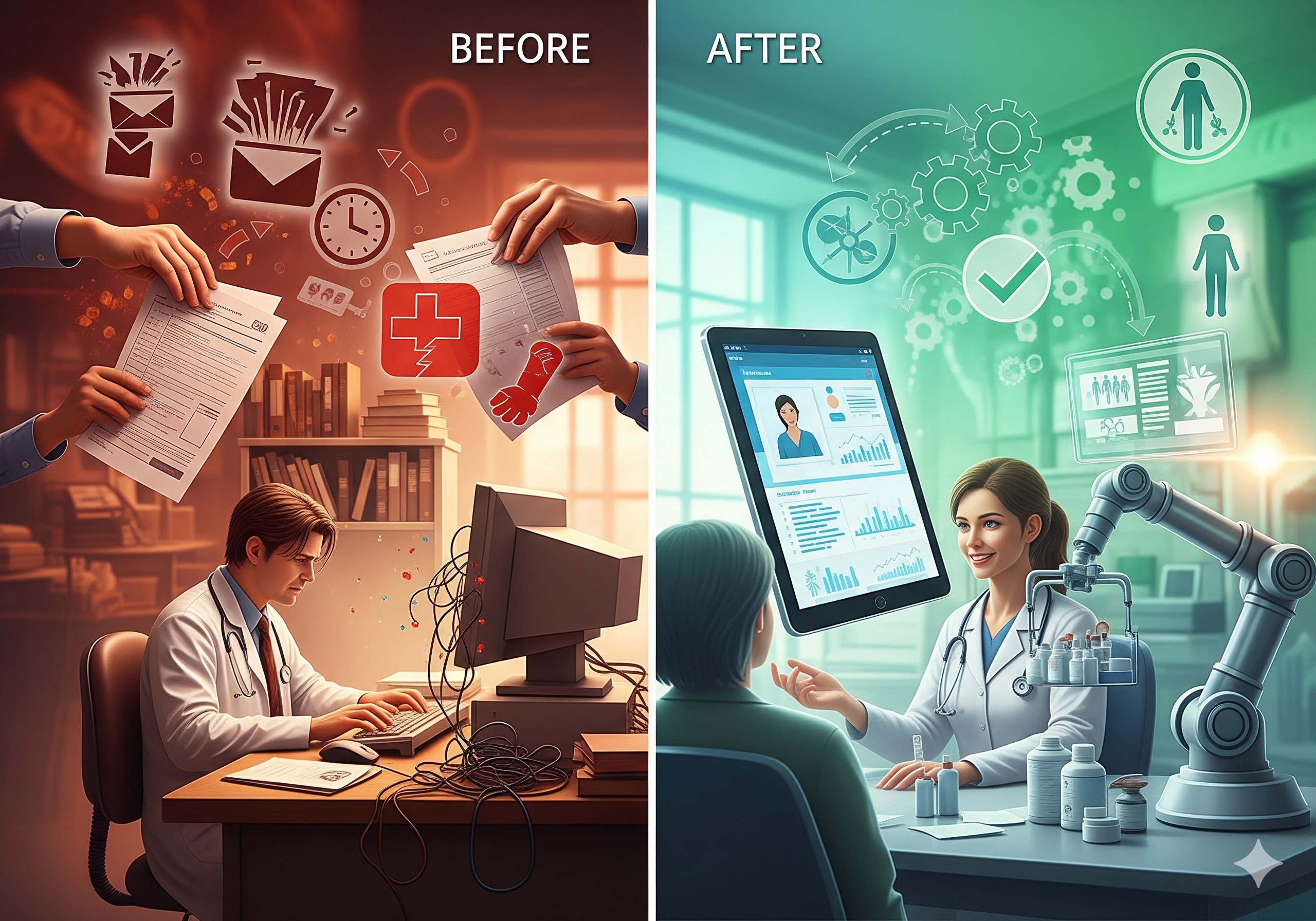
If you've ever watched a front desk coordinator manually copy patient information from a paper form into three separate systems before 9 AM, you already understand the core problem with healthcare administration today. Medical practices, hospitals, and health systems run on an extraordinary volume of repetitive, data-heavy tasks, and the vast majority of them are still performed by hand. The result is a workforce stretched thin, a patient experience riddled with delays, and a compliance risk that grows with every manual entry error. Healthcare workflow automation is no longer a luxury reserved for enterprise health systems. With the right tools, even small and mid-sized practices can eliminate the bottlenecks that cost them time, money, and patient trust.
This guide breaks down the most painful administrative and clinical workflow problems in healthcare today, explains how automation solves them in practical terms, and introduces n8n as the platform best positioned to connect your existing systems without requiring an army of developers.
The Hidden Cost of Manual Healthcare Administration
Before we dive into solutions, it's worth understanding the true scope of the problem. According to industry research, administrative tasks consume roughly 34% of a physician's total time, time that could be spent on patient care. Nurses, medical assistants, and office staff face an even heavier burden, often spending more than half their shift on documentation, scheduling, and communication tasks that don't directly benefit the patient in front of them.
These aren't just efficiency problems. They're safety problems.
When a lab result notification falls through the cracks because no one manually checked a queue, a patient's diagnosis is delayed. When a billing clerk has to manually reconcile insurance eligibility for 80 patients each morning, errors slip in and claims get denied. When appointment reminders are sent inconsistently, or not at all, no-show rates climb and revenue drops. When HIPAA compliance documentation depends on someone remembering to complete a checklist, audit risk rises silently.
The most common manual workflow pain points in healthcare include:
- Patient intake and registration: Forms filled out by hand or on paper, then re-entered into the EHR (Electronic Health Record) system manually, introducing transcription errors and eating up staff time.
- Appointment scheduling and reminders: Scheduling platforms that don't communicate with EHR systems, leading to double-entry and inconsistent reminder campaigns.
- Lab results routing and notification: Critical results sitting in an inbox until someone manually reviews and routes them to the appropriate provider.
- Billing and insurance verification: Eligibility checks, claim submissions, and denial management handled by staff toggling between multiple portals.
- Staff communication and task assignment: Handoffs between nurses, physicians, and administrative staff that rely on sticky notes, verbal communication, or disconnected messaging apps.
- HIPAA compliance and audit trail documentation: Manually logging access events, training completions, and policy acknowledgments into spreadsheets.
- EHR data entry: Copy-pasting data from referral faxes, patient portals, and lab systems into the EHR, a task that is both time-consuming and error-prone.
Each of these pain points has a direct automation solution. Let's walk through the most impactful ones.
Automating Patient Intake, Scheduling, and Reminders
Patient intake is the first touchpoint of the care experience, and it's often the most dysfunctional. A typical workflow looks like this: a patient calls to schedule an appointment, a staff member creates the appointment in one system, sends a new patient form via email or fax, waits for it to return, then manually keys the information into the EHR. If the patient fills out the form online through a patient portal, that data still often needs to be reviewed and imported manually.
Healthcare workflow automation can restructure this entire process. Here's what an automated patient intake workflow looks like with the right tools:
1. A patient submits a digital intake form through your website or patient portal.
2. An automation workflow is triggered immediately, it parses the form data and creates or updates the patient record in your EHR (such as Epic, Athenahealth, or Kareo).
3. Simultaneously, the system checks for insurance eligibility using the patient's payer information via an API or clearinghouse integration.
4. A confirmation email and appointment reminder sequence is triggered automatically, sending reminders at 48 hours, 24 hours, and 2 hours before the appointment.
5. If the patient responds to a reminder to confirm or cancel, the appointment status is updated automatically and the slot is released for rebooking if canceled.
This single workflow chain eliminates at least four separate manual tasks for your front desk team. Staff go from data entry mode to exception handling mode, they only need to intervene when something unusual happens.
For scheduling specifically, integrating your scheduling tool (like Calendly, Acuity, or a proprietary system) with your EHR via an automation platform removes the double-entry burden entirely. When an appointment is created in one system, it populates in all relevant systems automatically.
Appointment reminder automation alone has been shown to reduce no-show rates by 20–30% in various clinical settings. For a practice seeing 50 patients per day at an average visit value of $150, even a 10% improvement in show rates represents $75,000 or more in recovered annual revenue.
Automating Lab Results Routing and Clinical Notifications
Few gaps in healthcare operations carry more clinical risk than the manual management of lab results. In most practices, lab results flow into a shared inbox or EHR queue, where they wait for a staff member to review them, identify the ordering physician, and route the result for review. Critical values, those indicating potentially life-threatening conditions, are supposed to be flagged and communicated immediately, but the process often depends entirely on human vigilance.
Automate healthcare tasks in the lab results workflow and you dramatically reduce the window of risk:
Automated Critical Value Alerts
- Send a high-priority notification to the ordering provider via their preferred channel (SMS, secure messaging app, or EHR in-basket).
- Log the notification with a timestamp for compliance documentation.
- Escalate to a backup provider if the primary provider doesn't acknowledge within a defined time window.
- Send the patient a secure message alerting them that their results are available and that their care team will be in touch.
This kind of workflow is not hypothetical, it's implementable today using platforms that connect to HL7 FHIR APIs, which most modern EHR systems support.
Routine Results Distribution
- Normal results trigger a pre-written, provider-reviewed message to the patient via the portal or SMS.
- Results requiring follow-up are automatically flagged in the EHR and added to the provider's task list.
- Referral notifications are sent to relevant specialists when results indicate the need for further evaluation.
This eliminates the hours staff currently spend manually triaging results queues, and ensures that no result goes unrouted simply because the queue wasn't checked that afternoon.
Streamlining Billing, Insurance Verification, and Compliance Documentation
Billing is one of the most complex and error-prone areas of healthcare administration. A single denied claim can take 30–45 minutes to research and resubmit. When your billing team is managing hundreds of claims per week, that adds up fast. Medical practice automation in the revenue cycle can address this at multiple levels.
Automated Insurance Eligibility Verification
- Run eligibility verification automatically for every patient on the schedule 48–72 hours in advance.
- Flag patients whose coverage has lapsed or whose plan requires prior authorization for the scheduled service.
- Update the patient record and alert billing staff only when action is required.
This converts a daily manual task into a background process, and it catches eligibility issues before the patient arrives, not after a claim is denied.
Claims Submission and Denial Management
- Submit clean claims to payers automatically upon visit closure in the EHR.
- Monitor claim status from clearinghouses and flag denials for review.
- Categorize denial reasons and route them to the appropriate billing specialist.
- Generate weekly denial trend reports automatically and deliver them to the billing manager's email.
HIPAA Compliance and Audit Trail Automation
Compliance documentation is a perennial pain point for healthcare organizations of all sizes. HIPAA requires that covered entities maintain detailed records of access to protected health information (PHI), employee training completions, policy acknowledgments, and breach response activities. Most organizations handle this with spreadsheets, which are both fragile and time-consuming to maintain.
- Automatically log PHI access events from EHR audit logs into a centralized compliance database.
- Send automated training completion reminders to employees and escalate to managers when deadlines are missed.
- Generate compliance reports on demand for auditors or leadership.
- Trigger a documented breach response workflow when a potential HIPAA incident is flagged.
These workflows don't just save time, they create a defensible, documented compliance posture that manual spreadsheets simply can't match.
How n8n Solves Healthcare Workflow Automation
There's no shortage of automation tools on the market, but healthcare has specific requirements that many general-purpose platforms struggle to meet: the need for self-hosted deployment (to keep PHI off third-party servers), deep integration with clinical and administrative systems, flexibility to handle complex conditional logic, and the ability to scale as workflows grow.
This is where n8n stands apart.
Self-Hosted and Privacy-First
n8n is an open-source workflow automation platform that can be deployed entirely on your own infrastructure, on-premises or in a private cloud environment that you control. For healthcare organizations, this is critical. When patient data flows through your automation workflows, it stays within your environment. You're not routing PHI through a third-party SaaS platform's servers, which dramatically simplifies your HIPAA compliance posture and Business Associate Agreement (BAA) obligations.
For organizations that prefer a managed option, n8n also offers a cloud version where BAA arrangements can be established, but the self-hosted model is particularly compelling for health systems and larger practices with strict data governance requirements.
Connect Every System in Your Healthcare Tech Stack
Healthcare technology environments are notoriously fragmented. You may have an EHR, a separate billing system, a patient communication platform, a scheduling tool, a lab information system, an HR platform, and a compliance management tool, none of which talk to each other natively. n8n supports over 400 native integrations and can connect to any system with a REST API, webhook, or database connection.
Practical examples of what this means for healthcare automation:
- EHR integrations: Connect to Athenahealth, Epic, Cerner, or Kareo via their APIs to read and write patient data, trigger workflows on clinical events, and sync records across systems.
- Communication tools: Integrate with Twilio for SMS reminders, SendGrid for email campaigns, or Slack for internal staff notifications.
- Billing platforms: Connect to clearinghouses like Change Healthcare or Availity to automate eligibility checks and claim submissions.
- Compliance tools: Sync with your compliance management software or write directly to a SQL database to maintain audit logs.
- Document management: Integrate with systems like DocuSign or Adobe Sign to automate consent form collection and track completions.
Visual Workflow Builder, No Developer Required
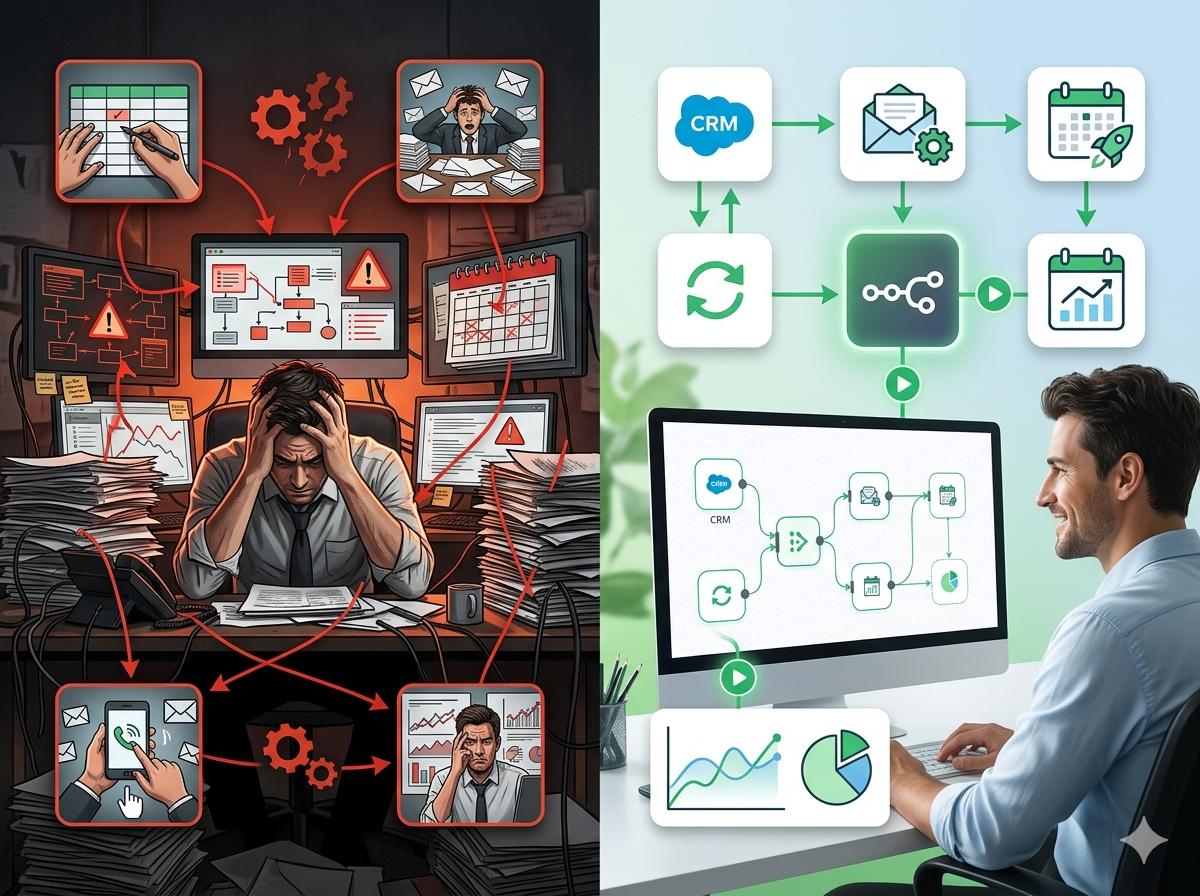
One of the most common objections to healthcare automation is the assumption that you need a development team to build and maintain workflows. n8n's visual, node-based workflow builder makes it possible for a technically inclined administrator or operations manager to build sophisticated automations without writing code. Each step in a workflow is represented as a visual node, and nodes are connected with lines that represent the flow of data.
For more complex logic, like routing lab results based on specific values, handling edge cases in billing workflows, or managing multi-step escalation protocols, n8n supports JavaScript expressions and custom code nodes, giving developers the power to handle anything the visual builder doesn't cover out of the box.
Real-World n8n Healthcare Workflows
Here are specific workflows that healthcare organizations are building with n8n today:
Automated Patient Onboarding: Triggered when a new patient form is submitted → create patient record in EHR → verify insurance eligibility → send welcome email with portal login instructions → schedule intake call with care coordinator → log all actions in compliance database.
Lab Results Notification: Triggered by new result in lab system → check result type and value → if critical, send immediate SMS to provider and log timestamp → if normal, send patient portal message → update EHR task list → generate daily results summary report for clinical team.
Appointment No-Show Recovery: Triggered when patient status updates to no-show → wait 30 minutes → send automated reschedule link via SMS → if no response in 24 hours, add to outreach list → generate weekly no-show report for practice manager.
Billing Denial Management: Triggered by denied claim notification from clearinghouse → parse denial reason code → categorize by type (eligibility, coding, authorization) → route to appropriate billing specialist → update denial tracking dashboard → escalate if unresolved after 5 business days.
HIPAA Training Compliance: Triggered on the 1st of each month → check training completion status for all employees in HR system → send reminder emails to incomplete employees → escalate to department managers after 7 days → mark compliant employees as complete in audit log → generate board-ready compliance report.
Getting Started with n8n for Healthcare
Getting started with n8n doesn't require a massive IT project. Many healthcare organizations begin with a single high-impact workflow, typically appointment reminders or insurance eligibility verification, and expand from there. The platform's modular architecture means you can build incrementally, and the community of n8n users has shared hundreds of workflow templates that serve as starting points.
For teams new to workflow automation, N8Nme.com offers workflow templates, and resources specifically designed to help healthcare organizations get up and running quickly. Whether you're a solo practitioner looking to reduce administrative burden or a health system seeking to standardize processes across multiple locations, n8n scales to fit.
Start Automating Your Healthcare Workflows Today
Manual processes in healthcare aren't just inefficient, they're a structural risk to patient safety, staff satisfaction, revenue cycle performance, and regulatory compliance. Every hour your team spends copying data between systems, manually routing notifications, or reconciling insurance eligibility is an hour not spent on patient care or strategic growth.
Healthcare workflow automation with n8n gives you the tools to close those gaps: a self-hostable platform that keeps patient data secure, 400+ integrations to connect your existing tech stack, a visual workflow builder that empowers non-developers, and the flexibility to handle the complex, conditional logic that real healthcare operations require.
The best healthcare organizations aren't necessarily the ones with the largest teams, they're the ones whose teams are freed from repetitive work and empowered to focus on what only humans can do.
Ready to build your first healthcare automation workflow? Register for free to explore templates and resources designed for healthcare automation. Start with one workflow, see the results, and build from there. Your staff, and your patients, will notice the difference.