How to Automate Your Restaurant or Hotel Operations and Stop Losing Money to Operational Chaos
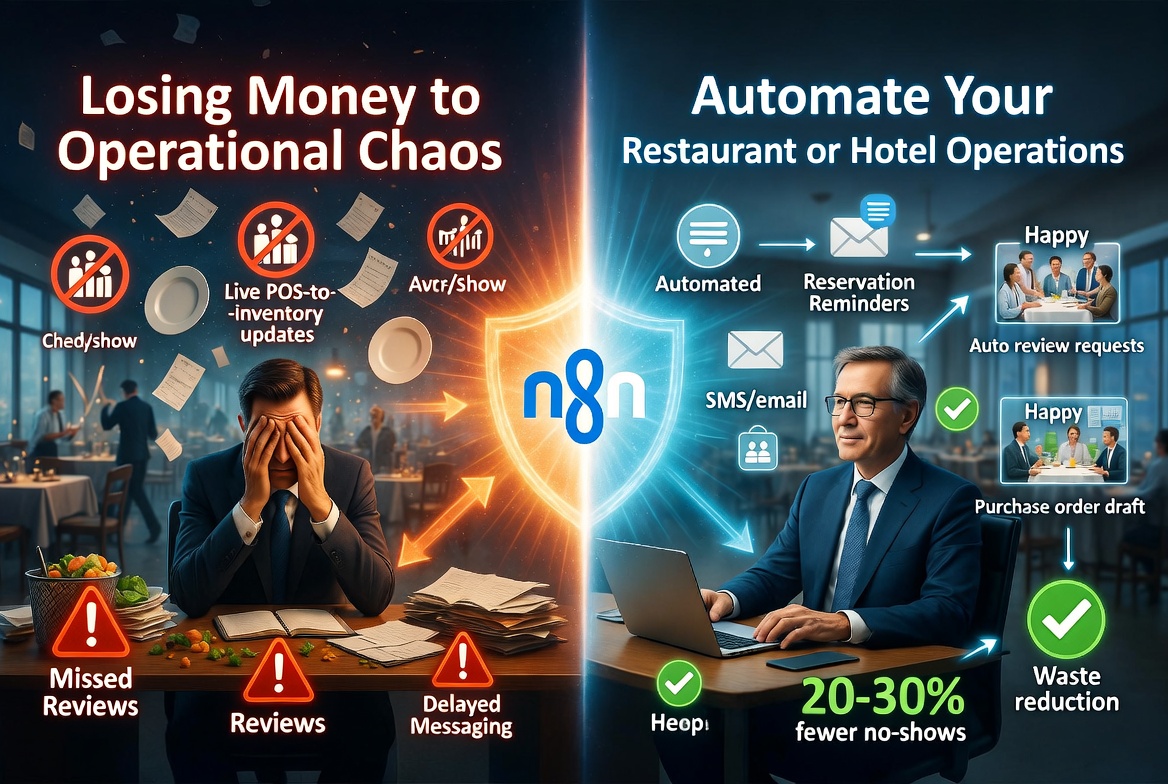
Rising food and labor costs are squeezing margins. Learn how restaurant and hotel operators automate reservations, inventory, reviews, and guest messaging.
Running a restaurant or hotel in 2026 feels like spinning a dozen plates at once, and the plates keep getting heavier. Labor costs are up. Food costs are up. Guests expect instant communication. Reviews pile up unanswered. Your POS system doesn't talk to your inventory software, which doesn't talk to your scheduling tool, which definitely doesn't talk to your CRM. Every day, you're manually copying data between systems, chasing down no-shows, and trying to figure out why Thursday's prep order was 40% too large. If this sounds familiar, you're not alone, and more importantly, there's a practical path out of it.
The Real Cost of a Fragmented Tech Stack in Hospitality
Before we talk about solutions, it helps to name the actual problem precisely. Most restaurant and hotel operators aren't dealing with one broken tool, they're dealing with five or six tools that each work fine on their own but don't communicate with each other. This fragmentation is costing you in ways that don't always show up as a single line item.
When Your POS and Inventory Don't Talk
Imagine you run a 60-seat restaurant. Your POS records every sale in real time. Your inventory spreadsheet, or even a dedicated inventory tool, sits in a completely separate system. At the end of the night, someone has to manually reconcile what was sold against what was used. If that step gets skipped, or the numbers get entered wrong, you're ordering based on bad data. You overbuy perishables, you run out of your most popular dish on a Saturday night, or both.
This isn't a hypothetical. According to industry research, 87% of operators reported rising food costs in 2026, and 52% are planning to invest in inventory control and management systems this year. The operators who are winning this battle aren't just buying better inventory software, they're connecting it directly to their POS so that every transaction automatically updates their stock counts. When a server rings in two salmon portions, inventory drops by two. When stock hits a reorder threshold, a purchase order draft gets created automatically. No one has to remember to check.
When Scheduling Lives in a Silo
Labor is typically the largest controllable cost in any restaurant or hotel, and 88% of operators saw those costs rise in 2026. Yet most scheduling tools don't pull data from the POS to understand which shifts are actually busy. Managers build next week's schedule based on gut feel and last year's patterns, not on what the sales data from the last four Tuesdays actually shows.
The result is predictable: you're either overstaffed on a slow night, burning labor dollars you didn't need to spend, or understaffed on a surprise busy night, creating a poor guest experience and burning out your team. When your scheduling system is connected to your POS data, you can start making staffing decisions based on projected covers and revenue, not instinct.
When Guest Messaging Is Manual and Inconsistent
Hotels face a version of this problem with their PMS (Property Management System). When a guest books a room, the front desk might send a welcome email, or they might not, depending on who's working. Upsell opportunities for room upgrades, spa services, or restaurant reservations get missed because there's no consistent process. Post-stay follow-ups asking for a review happen sometimes, whenever someone remembers. This inconsistency is invisible when it's happening, but it compounds over time into lower occupancy, fewer reviews, and guests who feel like they weren't particularly valued.
Reducing No-Shows with Automated Guest Communication
No-shows are one of the most financially painful problems in the restaurant industry, and one of the most solvable. A table that sits empty because a guest forgot their reservation is pure lost revenue. Yet most restaurants are still relying on a single confirmation email sent at booking, which the guest may not see until it's already past their reservation time.
The fix is automated, multi-touch communication that doesn't require anyone on your team to do anything manually after the initial setup.
How an Automated Reminder Flow Works
Here's a concrete example of what this looks like in practice. When a guest books a table via OpenTable or Resy, that booking event can automatically trigger a sequence: a confirmation email with the booking details goes out immediately, an SMS reminder is sent 24 hours before the reservation, and a final reminder text goes out two hours before. If the guest needs to cancel or modify, they can do it via a link in the message. Your host stand sees updates in real time.
This approach can reduce no-shows significantly, industry estimates typically put SMS-based reminder systems at reducing no-show rates by 20 to 30 percent. For a restaurant doing 50 covers on a Friday night with an average spend of $55 per person, even a 20% reduction in no-shows could mean recovering several thousand dollars a month in revenue that was previously just disappearing.
The same logic applies to hotels. When a reservation is made in your PMS, whether it's through Booking.com, direct, or a phone call, an automated message can go out with check-in instructions, parking details, and a prompt to let the front desk know about any special requests. This reduces friction on arrival and frees your front desk staff from answering the same five questions over and over.
Handling Cancellations and Waitlists Automatically
When a guest does cancel, the opportunity doesn't have to die there. An automated flow can immediately notify the next person on your waitlist via SMS, giving them a window to claim the table. If they don't respond within 15 minutes, the next person gets notified. This kind of real-time waitlist management used to require a staff member watching a screen, now it can run entirely on its own.
Automating Review Requests and Reputation Management
Online reviews drive a meaningful percentage of new customer decisions in hospitality. A restaurant with 200 recent reviews and a 4.6-star average will consistently outperform an equally good restaurant with 40 reviews and a 4.2-star average, simply because the volume signals trustworthiness. Yet most operators treat review requests as something they'll get to when they have time, which usually means never.
Sending Review Requests at the Right Moment
The best time to ask a guest for a review is shortly after a positive experience, while the memory is fresh. For restaurants, that window is roughly one to two hours after a meal. For hotels, it's typically the morning after checkout.
An automated flow can handle this precisely. When a POS transaction closes above a certain value, suggesting a complete meal rather than just a drink, a follow-up SMS or email can go out an hour later with a direct link to your Google Business profile or TripAdvisor listing. For hotels, the checkout event in your PMS triggers the same kind of follow-up the following morning.
You can also build in a simple triage step: rather than sending every guest directly to a public review platform, you can first ask them to rate their experience on a 1-5 scale internally. Guests who rate 4 or 5 get directed to Google or TripAdvisor. Guests who rate 1, 2, or 3 get routed to a feedback form that goes directly to your manager, giving you a chance to address the issue privately before it becomes a public one-star review.
Responding to Reviews Consistently
Most operators know they should respond to reviews, both positive and negative. Most don't, because it falls to whoever has a spare five minutes, which is no one. An automated system can flag new reviews as they come in, route them to the right person for response, and even draft an initial response using AI that a manager can approve and post in under a minute. This doesn't mean your responses become robotic, it means the bottleneck of remembering to check three platforms and write something thoughtful every morning gets removed.
Inventory Forecasting and Purchase Order Automation
Food cost management is one of those operational areas where small improvements compound quickly. A 1% reduction in food cost for a restaurant doing $1.5 million in annual revenue is $15,000 back in your pocket. Getting there consistently requires better data and fewer manual steps between your sales data and your ordering decisions.
Connecting POS Data to Inventory in Real Time
When your POS is connected to your inventory system, you stop guessing. Every item sold maps to a recipe, and that recipe maps to ingredient quantities. As dishes go out, inventory counts update. You can see at any point during service exactly where you stand on key ingredients, not just at end-of-day when it's too late to do anything about it.
This kind of real-time inventory visibility also helps with waste reduction. If your stock of a perishable item is running high and it's approaching its use-by date, an alert can prompt the kitchen to feature that ingredient in a special, reducing waste without requiring the chef to manually audit the walk-in cooler every afternoon.
Automated Purchase Order Drafts and Supplier Communication
Once your inventory counts are accurate and real-time, the next step is automating what happens when stock gets low. Rather than a manager manually reviewing inventory every morning and writing orders to six different suppliers, an automated workflow can monitor stock levels continuously, generate a draft purchase order when an item drops below its reorder point, and either send it automatically to the supplier or route it to a manager for a quick review and one-click approval.
For larger operations, this can also extend to price comparison, if you work with multiple suppliers for the same ingredient, the system can check current prices and flag which supplier is cheapest before the order goes out. This level of purchasing intelligence used to require expensive enterprise software. Today, it's achievable through workflow automation that connects the tools you're already using.
How n8n Makes All of This Possible Without Replacing Your Existing Tools
At this point, you might be thinking: this all sounds great, but it means buying a bunch of new software and hiring someone to manage it. Actually, it doesn't, at least not in the way you might expect.
The tool that makes most of this possible is called n8n. It's a workflow automation platform that acts as the connective tissue between the tools you already use. Rather than replacing your POS, your reservation system, your inventory software, or your PMS, n8n connects them, so that events in one system automatically trigger actions in another.
What n8n Actually Does
n8n works through a visual workflow builder where you define triggers (something that happens) and actions (what should happen as a result). A new reservation in OpenTable is a trigger. Sending an SMS via Twilio is an action. A closed check in Toast POS is a trigger. Updating an ingredient count in your inventory system is an action. You can chain together as many steps as you need, add conditional logic (if the check total is over $80, send a review request; if under, don't), and run everything automatically in the background.
Because n8n integrates with hundreds of tools, including Toast, Square, OpenTable, Resy, SevenRooms, Cloudbeds, Mews, Airtable, Google Sheets, Slack, Twilio, Mailchimp, QuickBooks, and many more, it doesn't matter which combination of platforms your business is already using. The workflows are built around your actual stack, not a hypothetical ideal one.
What This Looks Like for a Real Restaurant
A mid-size restaurant might start with three automations: a no-show prevention SMS sequence connected to their reservation system, a post-meal review request flow triggered by POS closures, and a weekly inventory report that pulls from their stock management tool and emails it to the owner every Sunday morning. Those three workflows alone can recover revenue, improve their online reputation, and save the owner two to three hours a week.
Over time, they might add purchase order automation, labor scheduling alerts, and a loyalty program follow-up sequence. Each workflow is built to fit their specific tools and processes, not a generic template that sort of fits.
What This Looks Like for a Hotel or Resort
A boutique hotel might build automations around their PMS: a pre-arrival message that goes out 48 hours before check-in with personalized details, a mid-stay check-in message on day two asking if everything is going well, and a post-checkout review request the morning after departure. They might also automate the routing of maintenance requests, when a guest reports an issue via a messaging tool, it automatically creates a task in the housekeeping or maintenance system and notifies the relevant team lead, with a follow-up reminder if the task isn't marked complete within an hour.
These workflows don't require a large IT team to build or maintain. They require someone who understands your operations and knows how to configure n8n to reflect them, which is exactly what an automation consultancy specializing in hospitality can provide.
Start Connecting the Dots in Your Operation
The operational problems that are costing restaurant and hotel operators the most in 2026, rising labor costs, food waste, no-shows, inconsistent guest communication, sparse online reviews, are not problems that require entirely new business models or expensive enterprise software to solve. They require better connections between the tools you already have, and automated workflows that remove the human bottleneck from repetitive, time-sensitive tasks.
If you're spending time manually moving information between systems, chasing confirmations, writing review requests by hand, or building schedules from memory rather than data, there's a better way, and it's more accessible than you might think.
Start for free to explore how custom automation can be built around your specific restaurant or hotel operation. Whether you're starting with one workflow or ready to connect your entire stack, the team at n8nme.com can map out exactly what's possible for your business and build it in a way that fits the tools you're already using.