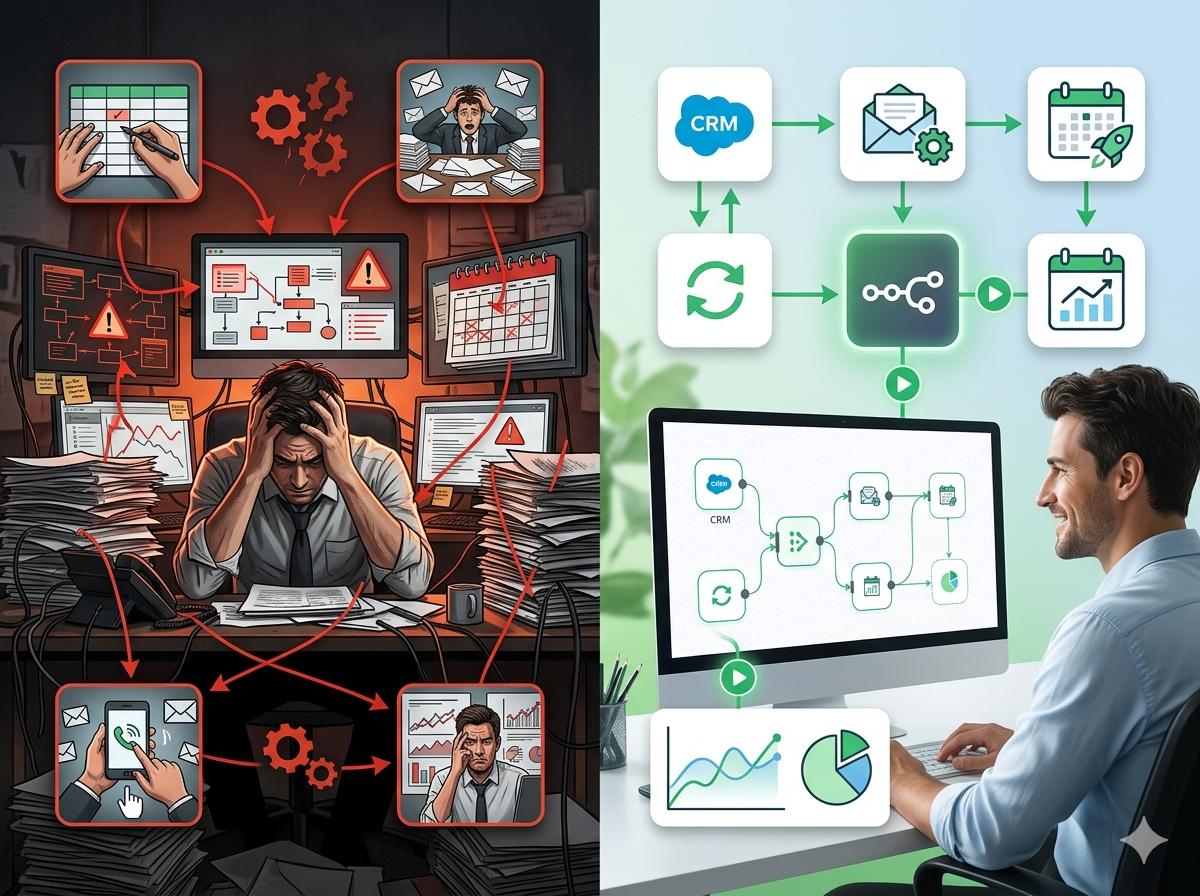
Legal Workflow Automation: How Law Firms Are Saving Hours Every Week With Smarter Tools

Discover how legal workflow automation can save law firms hours each week. Learn how tools like n8n connect Clio, DocuSign, and more to automate legal tasks.
Law firms run on precision. Every deadline missed, every document misfiled, or every client left waiting for a status update carries real consequences, lost cases, damaged reputations, and malpractice exposure. Yet despite these high stakes, the average lawyer spends an alarming portion of their day on tasks that have nothing to do with practicing law.
According to research from the American Bar Association, lawyers spend roughly 48% of their time on administrative and non-billable activities. For paralegals and legal operations teams, that number is even higher. We're talking about drafting routine correspondence, chasing client signatures, updating matter management systems, filing documents into the right folders, and manually sending intake forms, over and over, for every single client.
This is the automation gap in legal. And for firms that haven't yet explored legal workflow automation, it represents both a massive inefficiency and a significant competitive disadvantage.
This post breaks down where legal professionals lose the most time, what kinds of tasks are genuinely automatable, and how platforms like n8n are enabling law firms to build powerful, tailored workflows, without needing a dedicated IT department.
The Real Pain Points in Legal Operations
Before diving into solutions, it's worth naming the specific friction points that legal professionals deal with every single day. These aren't abstract inefficiencies, they're the kind of tasks that eat up hours and create burnout across every practice area.
Client Intake Is Manual and Inconsistent
For most small to mid-sized firms, client intake still looks like this: a prospect calls or emails, a staff member manually enters their information into a spreadsheet or practice management system, someone drafts an engagement letter, and then the client is asked to sign and return it, often via PDF and email. Each step depends on a human remembering to do the next thing.
The result? Prospects fall through the cracks. Intake data is entered inconsistently. Engagement letters go out days late. And no one has a clear view of where each new client stands in the process.
Document Generation Is Slow and Error-Prone
Legal document automation is one of the biggest opportunities in the industry, yet most firms are still doing it the old way: opening a previous version of a contract or motion, manually find-and-replacing client names and dates, hoping nothing critical gets missed.
This process is tedious, time-consuming, and introduces unnecessary risk. A misplaced name or wrong date in a contract isn't just embarrassing, it can void agreements or expose the firm to liability.
Deadline and Task Management Relies on Human Memory
Statutes of limitations, court filing deadlines, deposition schedules, contract renewal dates, the legal calendar is dense with hard deadlines that carry real consequences. Yet many firms still rely on manual calendar entries, sticky notes, or the paralegal who "just knows" when things are due.
When someone is out sick or a matter transitions between attorneys, that institutional knowledge disappears. Deadline management should be systematic and automated, not dependent on any single person.
Communication Gaps Leave Clients Frustrated
One of the most common complaints about law firms, consistently cited in client satisfaction surveys, is poor communication. Clients want to know what's happening with their matter. But attorneys are busy, and sending routine status updates manually is low on the priority list.
The result is a client who feels ignored, calls the front desk repeatedly for updates, and ultimately leaves a negative review, even if the legal work was excellent.
Where Legal Workflow Automation Makes the Most Impact
Not every task in a law firm can or should be automated. But there's a significant category of work that is rule-based, repetitive, and time-sensitive, exactly the conditions where automation delivers the highest ROI.
Automated Client Intake and CRM Sync
Imagine a prospective client fills out a form on your website. The moment they submit it, an automation workflow fires: their information is automatically entered into your practice management system (like Clio), a conflict check task is created and assigned to the appropriate staff member, and the prospect receives a personalized acknowledgment email within seconds, not hours.
If the conflict check clears, a second workflow can automatically generate a draft engagement letter, pre-populated with the client's name, matter type, and billing rate, ready for attorney review. Once the attorney approves it, DocuSign sends it for signature automatically. When signed, the document gets filed into the correct folder in NetDocuments and the matter status in Clio updates to "Active."
This entire sequence, which might take a paralegal two to three hours of interrupted work, can happen in minutes, consistently, for every single new client.
Document Automation and Template-Based Drafting
Legal document automation tools work best when connected to the data your firm already has. When a new matter is opened in your practice management system, automation can pull the relevant client and case data and merge it into pre-approved document templates, NDAs, retainer agreements, demand letters, standard motions, instantly.
This isn't just about speed. It's about consistency and risk reduction. When documents are generated from controlled templates with live data, the chances of a manual error drop significantly. Attorneys spend their time reviewing and refining, not copy-pasting.
Deadline Tracking and Automated Reminders
A well-designed automation workflow can monitor your case management system for upcoming deadlines and automatically trigger reminders via email or Slack to the responsible attorney and paralegal, 30 days out, 14 days out, 48 hours out. If a task remains incomplete past a certain threshold, an escalation notification can go to a supervising partner.
This kind of systematic deadline management isn't just a productivity tool, it's a risk management tool. It creates a documented record that reminders were sent and received, which can matter in the event of a malpractice claim.
Client Communication and Status Updates
For matters that follow predictable workflows, personal injury cases, real estate closings, immigration applications, automation can send clients proactive status updates at key milestones without any attorney involvement.
When a document is filed, the client gets a notification. When opposing counsel responds, the client gets a summary update. When a court date is scheduled, the client gets a calendar invite. These aren't complex messages, they're routine touchpoints that demonstrate attentiveness and build trust. Automating them means clients feel informed without consuming attorney time.
Law Firm Automation Tools: What's Available and What Works
Legal professionals exploring automation for the first time often start with one of two approaches: industry-specific legal tech tools, or general-purpose automation platforms.
Industry-specific tools like Clio Grow, Lawmatics, or SmartAdvocate offer built-in automation features tailored to legal workflows. They're intuitive and work well within their ecosystems. The limitation is that they're often siloed, they automate within their own platform but struggle to connect to your firm's other tools.
General-purpose automation platforms like Zapier are popular for good reason: they're user-friendly and integrate with hundreds of apps. But they come with limitations around data complexity, conditional logic, and cost at scale. For firms handling sensitive client data, there's also a meaningful concern about where that data flows and who can access it.
This is where n8n enters the picture, and why it's worth understanding as a serious option for legal workflow automation.
How n8n Helps Law Firms Build Powerful, Secure Automation
n8n (pronounced "n-eight-n") is an open-source workflow automation platform that lets you build sophisticated automations connecting virtually any tool your firm uses, without writing code. Think of it as a more powerful, more flexible, and more privacy-conscious alternative to Zapier.
Here's why it's particularly relevant for law firms and legal operations teams:
It Integrates With the Tools Lawyers Already Use
n8n has native integrations with the platforms that legal professionals rely on every day:
- Clio, trigger workflows when new matters are opened, contacts are added, or tasks are completed
- DocuSign, automatically send, track, and file signed documents
- NetDocuments, file documents into the correct matter folder automatically
- Google Workspace, create calendar events, draft emails, update Sheets
- Microsoft Outlook and Teams, send notifications, sync calendars, route messages
- Slack, send deadline reminders and escalation alerts to the right channels
- Typeform or JotForm, trigger intake workflows from web forms
Beyond native integrations, n8n can connect to virtually any platform that has an API, which means if your firm uses a niche case management system or a custom internal tool, you can still build automations around it.
It's Self-Hostable, Which Matters for Client Confidentiality
This is a significant differentiator for legal professionals. Because n8n is open source, law firms can host it on their own servers or private cloud infrastructure. That means sensitive client data processed in your workflows never leaves your environment and never touches a third-party SaaS vendor's servers.
For firms handling privileged communications, HIPAA-adjacent health matters, or highly confidential corporate transactions, self-hosting is not a nice-to-have, it's a necessity. n8n makes this possible without requiring a large engineering team.
It Handles Complex Logic That Simple Automation Tools Can't
Legal workflows are rarely simple "if this, then that" chains. Real-world scenarios involve multiple conditions, exceptions, and branching paths. What happens if the conflict check returns a potential match? What if a document isn't signed within 72 hours? What if a matter is flagged as high-priority?
n8n's visual workflow builder supports sophisticated conditional logic, loops, error handling, and multi-step branching. You can build automation that behaves intelligently, routing exceptions to the right person, logging failures, and retrying failed steps automatically.
It's Cost-Effective at Scale
For firms running dozens of automations across hundreds of matters, per-task pricing on tools like Zapier can become expensive quickly. n8n's pricing model is more predictable, and self-hosted deployments have no per-task fees at all. For firms serious about building out their automation infrastructure, this can represent substantial savings.
Real Example: A Full Client Intake Workflow in n8n
Here's what a practical n8n intake workflow might look like for a personal injury firm:
- Trigger: New submission on the firm's intake form (Typeform)
- Step 1: Create a new contact and matter in Clio
- Step 2: Check an internal spreadsheet for conflict of interest flags
- Step 3a (if clear): Generate a retainer agreement from a Google Docs template, populated with client data
- Step 3b (if conflict flagged): Send an alert to the managing partner via Slack and pause the workflow
- Step 4: Send the retainer via DocuSign
- Step 5: When signed, save the document to the correct NetDocuments folder and update the matter status in Clio
- Step 6: Send the client a welcome email with next steps
This workflow runs automatically, 24/7, for every new intake, whether it comes in at 9am on a Tuesday or 11pm on a Friday night.
Getting Started: What Legal Teams Should Automate First
If you're new to automation, the best approach is to start with one high-volume, clearly defined process rather than trying to automate everything at once.
Good starting points for most law firms include:
- New client intake, high frequency, clearly defined steps, high impact on client experience
- Document generation for standard matter types, NDAs, retainer agreements, standard discovery requests
- Deadline reminder notifications, easy to implement, immediate risk management value
- Post-signing document filing, eliminates a common manual bottleneck after DocuSign
Before building, map the current process on paper or a whiteboard. Identify every step, who does it, what triggers it, and what the output is. This exercise almost always reveals redundancies and bottlenecks that weren't obvious before.
Once you have a clear map, building the automation in n8n is more straightforward than most legal professionals expect. The visual interface shows exactly how data flows between steps, and the extensive documentation and community resources mean you can usually find answers quickly.
Take the First Step Toward a More Efficient Firm
The legal industry has been slow to adopt automation compared to finance, healthcare, and e-commerce, but that gap is closing fast. Firms that invest in legal workflow automation now are building a compounding advantage: more consistent client experiences, fewer administrative errors, lower overhead, and more attorney time devoted to actual legal work.
You don't need to overhaul your entire tech stack. You don't need to hire a developer. You just need to start with one process, build confidence, and expand from there.
n8n is one of the most powerful and flexible tools available for this work, and unlike many SaaS platforms, it gives law firms full control over their data and infrastructure. Whether you're a solo practitioner looking to streamline intake or a mid-sized firm building out a legal operations function, it's worth exploring what's possible.
Ready to see what legal workflow automation could look like for your firm? Explore n8n's workflow templates, browse the integration library, or connect with the n8n community to see how other legal and professional services teams are solving the same problems you're facing today.
The time your team spends on repetitive, manual work is time that isn't being spent on your clients. That's the real cost of staying manual, and it's entirely avoidable.