HR Workflow Automation: How Recruiting Teams Are Eliminating Manual Work With n8n
Discover how HR workflow automation with n8n can eliminate manual recruiting tasks, connect tools like Greenhouse, BambooHR & Slack, and save your team hours every week.
Let me paint you a picture that might feel uncomfortably familiar.
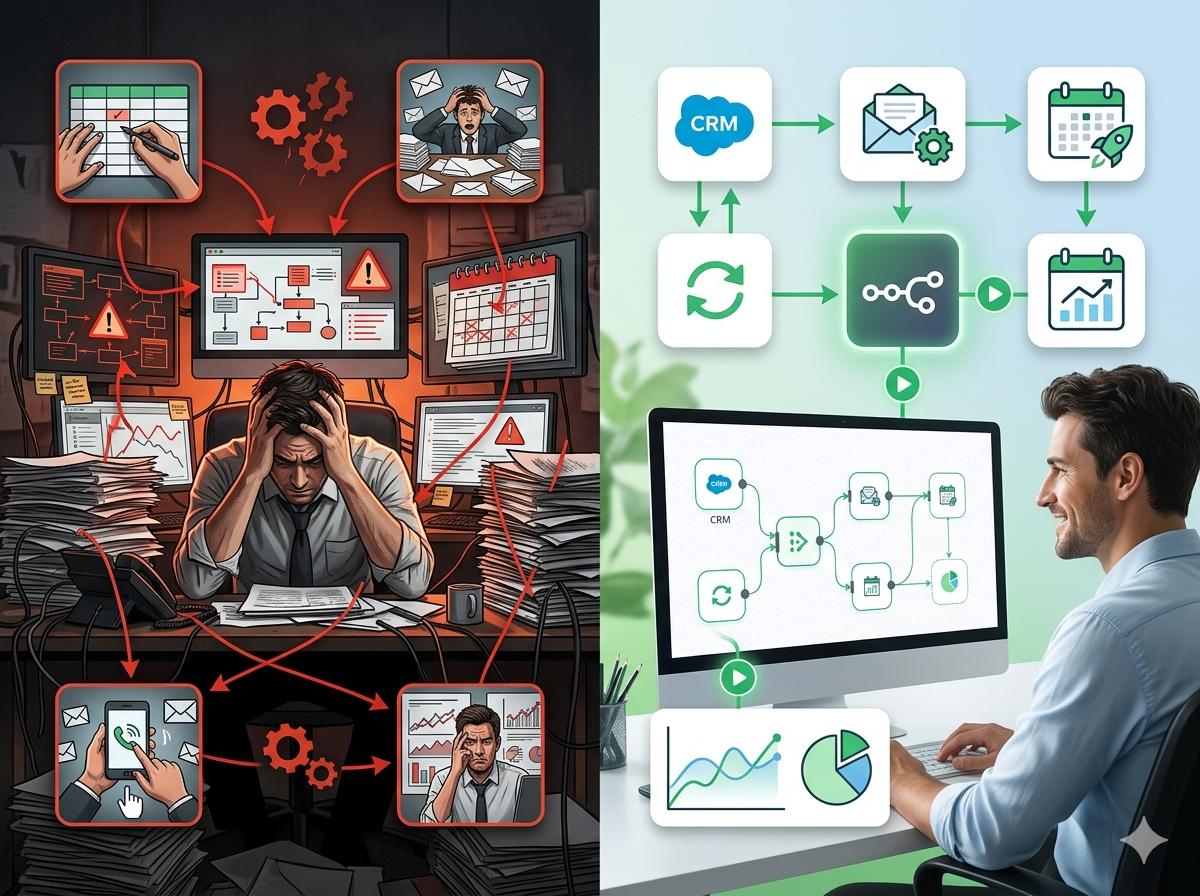
It's Tuesday morning. You have three candidates moving through final stages, a new hire starting Monday, and a department head breathing down your neck about an open role that's been unfilled for 47 days. You open your laptop and immediately begin the ritual: copy the candidate's details from your ATS into your HRIS, paste the salary offer into a Word template, manually send a DocuSign request, then flip over to Slack to remind the hiring manager to complete their scorecard, again. You check your spreadsheet to see which onboarding tasks have been completed for last week's new hire. Spoiler: most haven't been touched.
This is not a time management problem. This is a systems problem. And if you're working in HR or talent acquisition in 2024, there's a very good chance it's your systems problem.
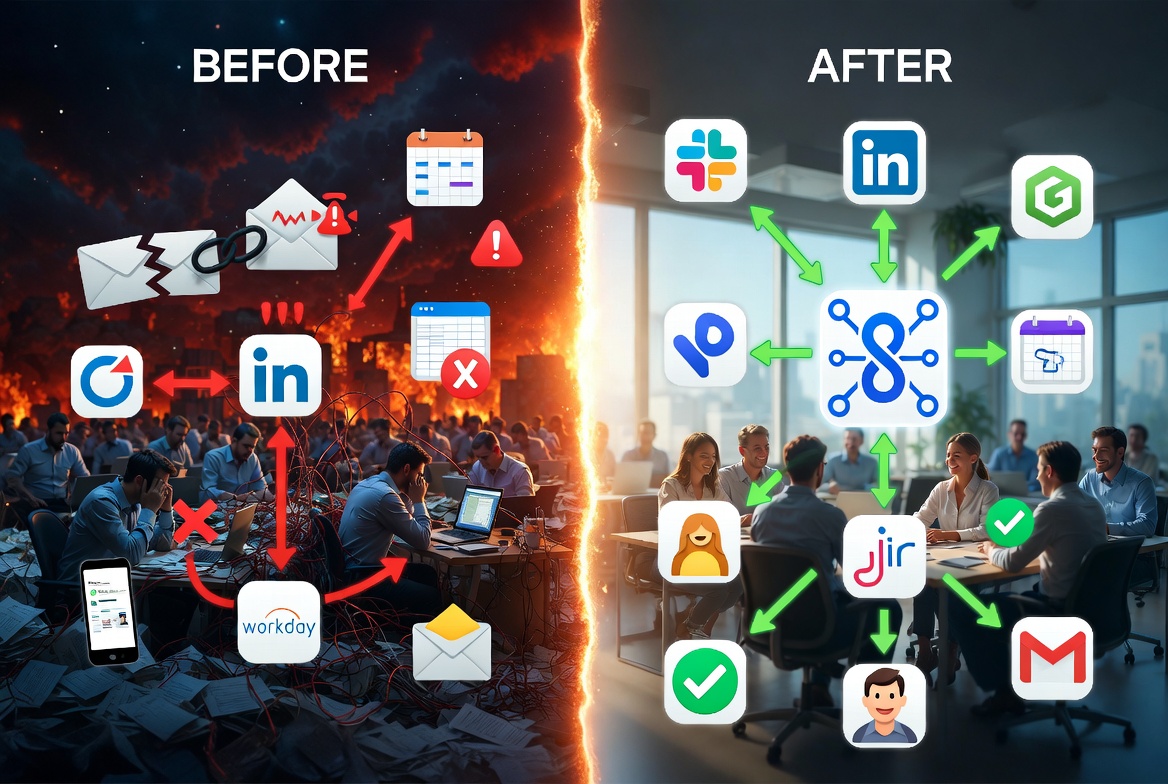
The average HR and recruiting tech stack now includes more than ten separate platforms. Think about what that looks like in practice: an ATS like Greenhouse or Lever, an HRIS like BambooHR or Workday, a background screening tool, a payroll system, a document signing platform, a calendar scheduling tool, a communication platform, an onboarding portal, a job board aggregator, and probably two or three more tools that someone added
The Real Cost of Manual HR Workflows
Before we talk about automation, let's be honest about what's actually happening inside most recruiting and HR teams right now. Because the problem isn't laziness or bad intentions, it's that the volume of repetitive, manual work has quietly grown faster than headcount ever could.
According to research from the Society for Human Resource Management (SHRM), HR professionals spend an average of 14+ hours per week on administrative tasks alone. That's more than a third of a standard 40-hour work week spent on work that doesn't require human judgment, scheduling, data entry, chasing down signatures, sending templated emails, updating spreadsheets.
For a team of three HR professionals, that's roughly 2,100 hours per year consumed by tasks that could largely be automated.
That number should give any HR leader pause.
The Interview Scheduling Black Hole
Ask any recruiting coordinator what consumes the most energy in their day, and scheduling interviews will come up within the first 30 seconds. A single on-site interview loop, say, four interviewers across two time zones for a senior engineering role, can involve 15 to 20 back-and-forth emails. The coordinator is toggling between the candidate's availability, four different Google or Outlook calendars, a Calendly link that may or may not reflect real availability, and the ATS (usually Greenhouse or Lever) to log every update.
Multiply that by 20 open requisitions, and you have a coordinator who is spending 30-40% of their week doing calendar Tetris. And when a panelist cancels last minute? The entire chain unravels and restarts manually. The candidate experience suffers, not because the company doesn't care, but because the process physically cannot keep up.
Onboarding: The Day-One Disaster Nobody Talks About
Here's a scenario that plays out at companies of all sizes, every single week: A new hire shows up on Monday morning. Their laptop hasn't been ordered because the IT ticket was never created. They don't have access to Slack, Notion, or the internal wiki because no one provisioned their accounts. Their manager assumed HR handled it. HR assumed the hiring manager triggered the IT request. Nobody did either.
This isn't hypothetical, a 2022 Digitate report found that 1 in 5 new hires said they were unlikely to recommend their employer after a poor onboarding experience. Structured onboarding has been shown to improve new hire retention by up to 82% (Brandon Hall Group), yet most companies still rely on someone manually sending welcome emails, manually submitting equipment requests to IT, and manually adding people to the right Slack channels, all on the same chaotic Monday morning when everyone is busy.
The failure point isn't people. It's the absence of a trigger-based system.
The ATS-to-HRIS Data Entry Gap
This one is less visible but arguably more costly over time. When a candidate moves from "offer accepted" in Greenhouse or Lever to a new employee record in BambooHR, ADP, or Rippling, how does that data move? At most companies, the answer is: someone copies it.
A recruiting coordinator or HR generalist manually transfers the candidate's name, role, start date, compensation, department, manager, and a dozen other fields from one system to another. This takes 15-25 minutes per hire under ideal conditions. When there are typos, mismatched field formats, or compensation figures entered incorrectly, downstream issues ripple into payroll, equity management, and benefits enrollment.
For a company hiring 10 people per month, that's roughly 3-4 hours of pure data entry, every month, error-prone, and entirely avoidable.
Workday has native integrations with some HRIS platforms, but they're often expensive to implement and require IT involvement. For mid-market companies that can't afford enterprise integration consultants, the gap stays open, and a human fills it.
Compliance Risk Living in Spreadsheets
I-9 verifications must be completed within three business days of a new hire's start date, that's federal law. Background checks have their own expiration logic. Offer letter acknowledgments need to be documented. Drug screenings, if required, have narrow windows.
At most companies without automation, all of this is tracked in a shared Google Sheet or an Excel file owned by one person. When that person is out sick, the tracker doesn't update. When the spreadsheet has 200 rows and someone filters incorrectly, a deadline gets missed. When a compliance audit happens, and in industries like finance, healthcare, and government contracting, they do happen, "we tracked it in a spreadsheet" is not a reassuring answer.
The risk isn't abstract. I-9 violations can range from $272 to $2,701 per paperwork violation at first offense, according to U.S. Immigration and Customs Enforcement. Missing background check follow-ups can create negligent hiring liability. These aren't worst-case scare scenarios, they're foreseeable outcomes of manual compliance tracking at scale.
What Candidates and New Hires Actually Experience
Zoom out from the internal chaos for a moment and look at what the person on the other side of the process feels.
A candidate applies, has a great phone screen, then hears nothing for 10 days, not because the recruiter rejected them, but because the follow-up email was supposed to be sent manually and fell through the cracks during a busy week. They've already accepted another offer by the time you reach back out.
A new hire spends their first week asking where to find their benefits information, what their onboarding schedule looks like, and who their IT contact is, because no automated welcome sequence existed to tell them. Their first impression of the company is confusion.
These aren't dramatic failures. They're the predictable result of running high-volume, time-sensitive HR processes on manual effort. And the teams experiencing them aren't disorganized, they're just under-automated.
The good news is that the tools to fix this exist right now, and they don't require a six-figure implementation budget or an enterprise software contract. That's exactly where n8n comes in.
Top HR and Recruiting Workflows You Can Automate Right Now
If you've spent any time in HR or recruiting, you know the drill: half your day disappears into manual handoffs, copy-pasting candidate data between systems, and chasing down approvers for documents that should have been signed three days ago. The good news? Most of these workflows follow predictable patterns, which means they're prime candidates for automation. Here are four high-impact areas where you can start eliminating manual work today.
Why HR Teams Are Choosing n8n for Workflow Automation
If you've spent any time researching workflow automation, you've probably come across Zapier or Make. Both are solid tools. But HR teams, especially those dealing with sensitive employee data, are increasingly turning to n8n, and for good reason.
What n8n actually is: n8n is an open-source workflow automation platform with over 400 native integrations. It gives you a visual, node-based workflow builder where you can connect apps, set conditions, transform data, and trigger actions, all without writing a single line of code. And when you do need custom logic, you can drop in JavaScript or Python nodes right inside the workflow.
How it's different from Zapier and Make: The biggest distinction isn't the feature list, it's control. n8n can be self-hosted on your own server or private cloud. For HR teams handling offer letters, compensation data, performance reviews, background check results, and employee PII, that's not a nice-to-have. It's a compliance requirement. Zapier and Make route your data through their servers. n8n lets you keep it entirely within your own infrastructure.
Beyond data privacy, n8n handles genuinely complex logic that Zapier struggles with, branching conditions, loops, sub-workflows, error handling, and multi-step transformations. If your hiring process has more than three steps (and every real hiring process does), n8n won't hit a wall halfway through.
The integrations HR teams actually use: n8n connects natively with the tools already living in your HR stack:
- ATS platforms: Greenhouse, Lever, Workday
- HRIS systems: BambooHR, ADP
- Communication: Slack, Gmail, Microsoft Teams
- Documents and signing: DocuSign, Google Drive
- Project and ticketing: Jira, ServiceNow, Notion
- Sourcing: LinkedIn
- Data and reporting: Google Sheets, Airtable
That list covers roughly 90% of the tooling a mid-sized HR team is already paying for. n8n becomes the connective tissue between all of it.
No-code for most use cases, code when you need it: One of the most practical things about n8n is its flexibility ceiling. An HR ops generalist with no engineering background can build most workflows using the visual editor and pre-built nodes. But when you hit an edge case, a custom API endpoint, a complex date calculation for PTO accruals, a conditional logic chain that branches six ways, you can add a Code node and write exactly what you need. You're never stuck.
A real example: A 12-person recruiting team at a Series B startup replaced their manual candidate tracking spreadsheet with an n8n workflow that reads live data from Greenhouse, updates a Notion dashboard in real time, and posts a daily summary digest to their #recruiting Slack channel every morning at 8am. The whole thing was built in one afternoon by a non-technical HR ops person using n8n's visual editor and a Greenhouse API credential. No engineering tickets, no sprint cycles, no waiting. One afternoon.
That's what makes n8n different. It puts automation in the hands of the people who actually feel the pain of the manual work.
Getting Started With HR Automation
The biggest mistake HR teams make with automation is trying to automate everything at once. They map out fifteen workflows, get overwhelmed by the scope, and end up automating nothing. Don't do that.
Start with one painful, repetitive task. Interview scheduling is almost always the best first win. It's high-volume, it's time-consuming, it involves multiple systems (calendar, ATS, email, Slack), and the ROI is immediate and visible. Every hour you save on scheduling coordination is an hour back in your week.
Map the workflow before you build it. Grab a whiteboard or a Google Doc and sketch out three things:
- Trigger, What kicks off this workflow? (A candidate moves to "Interview" stage in Greenhouse, a form is submitted, a calendar event is created)
- Conditions, What logic needs to apply? (Is it a phone screen or an onsite? Which interviewer panel? What timezone?)
- Actions, What should happen? (Send a calendar invite, email the candidate a confirmation, post to Slack, update the ATS record)
Once you can describe the workflow in plain English from trigger to outcome, building it in n8n takes a fraction of the time. You're not figuring out logic and tooling simultaneously, you're just translating a plan you already made.
On pricing: n8n's free Community Edition is self-hosted and genuinely capable, it's not a crippled trial. If you'd rather not manage your own server, simply register for free, verify your e-mail and you're up and running in minutes. For most HR teams just starting out, this is the fastest path from zero to your first live workflow.
Use templates to skip the blank canvas. The fastest way to get started is to browse pre-built HR workflow templates available in the Workflow Library. Interview scheduling, onboarding sequences, offer letter automation, PTO request routing, the templates give you a working foundation you can customize to your exact process in an hour rather than building from scratch.
Ready to eliminate manual HR busywork? Start your free n8n instance now and explore our HR automation templates to find your first workflow.
The Bottom Line
Manual HR processes aren't just inefficient, they're a competitive disadvantage. Every hour your team spends copying data between systems, chasing email confirmations, and building status update slides is an hour not spent on hiring strategy, employee experience, or the work that actually requires human judgment.
Automation doesn't replace HR. It gives HR back its time. Whether you're scheduling interviews, onboarding new hires, or routing PTO requests, the workflows covered here are proven starting points, and with a tool like n8n, you don't need an engineering team to build them.
You just need an afternoon and a clear sense of where the pain is.